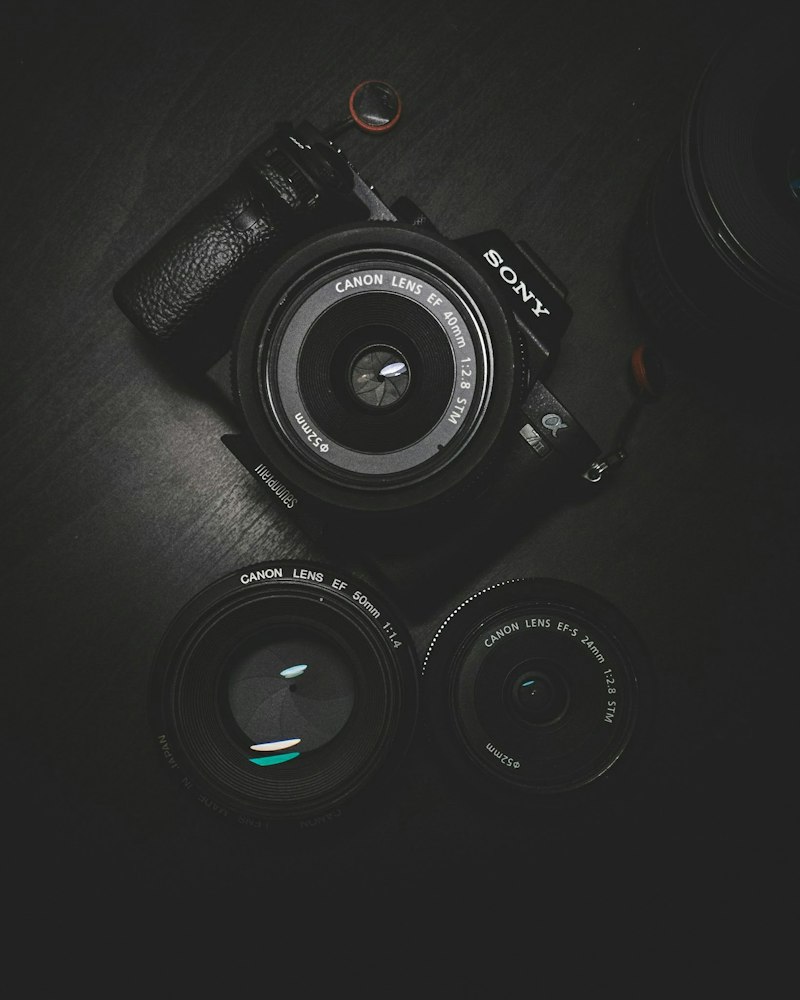
Every creative professional's tool stack is deeply personal. We all have our workflows, our preferred software, our rituals for getting into creative states. These are mine—not recommendations so much as documentation of what actually earns its place in my rotation. If something isn't on this list, it's not because it's bad—it's because I haven't found the space for it in my actual practice.
Figma is the center of my design work. Not because alternatives don't exist, but because the collaborative features mean I'm rarely bottlenecked by "can you send me the file?" I can work with clients and developers in real-time, which means fewer meetings and less back-and-forth. The components feature means I build reusable design elements that save time across projects.
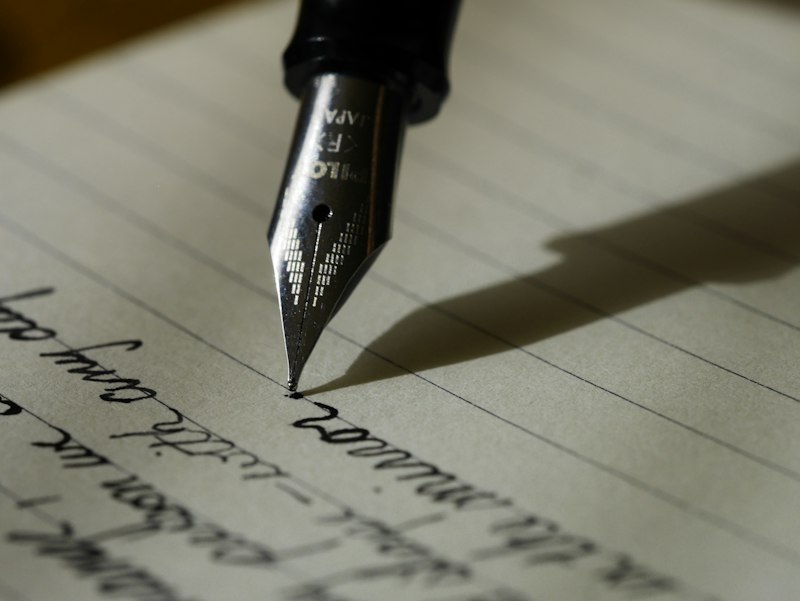
For writing and note-taking: iA Writer when I need to write, Apple Notes when I just need to capture. The distinction matters. IA Writer gets out of the way and lets me think. Notes gets out of the way and lets me capture. I use both deliberately for different purposes.
The tool I recommend most to other creatives: something for timers. I use the Tomato Timer principle—focused work blocks of 50-90 minutes followed by real breaks. The Pomodoro technique isn't magic, but the structured interruption is. Creative flow is valuable; protecting it with deliberate breaks prevents burnout and keeps the work sustainable.